Common
How to Update
Download Markdown Download with ImagesHow to Update the Plugin
When a new version is released, update to apply the latest features and bug fixes.
Automatic Update Check
The plugin automatically checks for a new version on startup. If an update notification appears, follow the on-screen instructions.
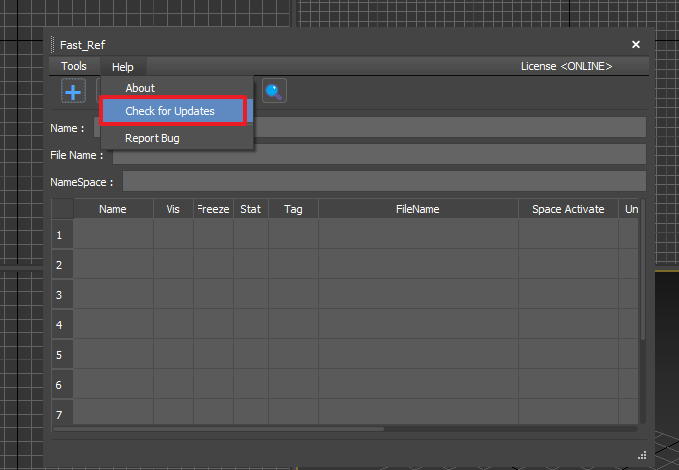
You can also check manually via Help → Check for Update.
Download the Latest Version
- Go to OtakuSolutions → [My Products] and download the latest version.
- Install the new .mzp file without removing the existing plugin.
- Your existing settings and license are preserved.
📧 Update announcements are sent via newsletter. We recommend subscribing.