Ep.22 — Elbow · Hip Corrective
Download Markdown Download with Images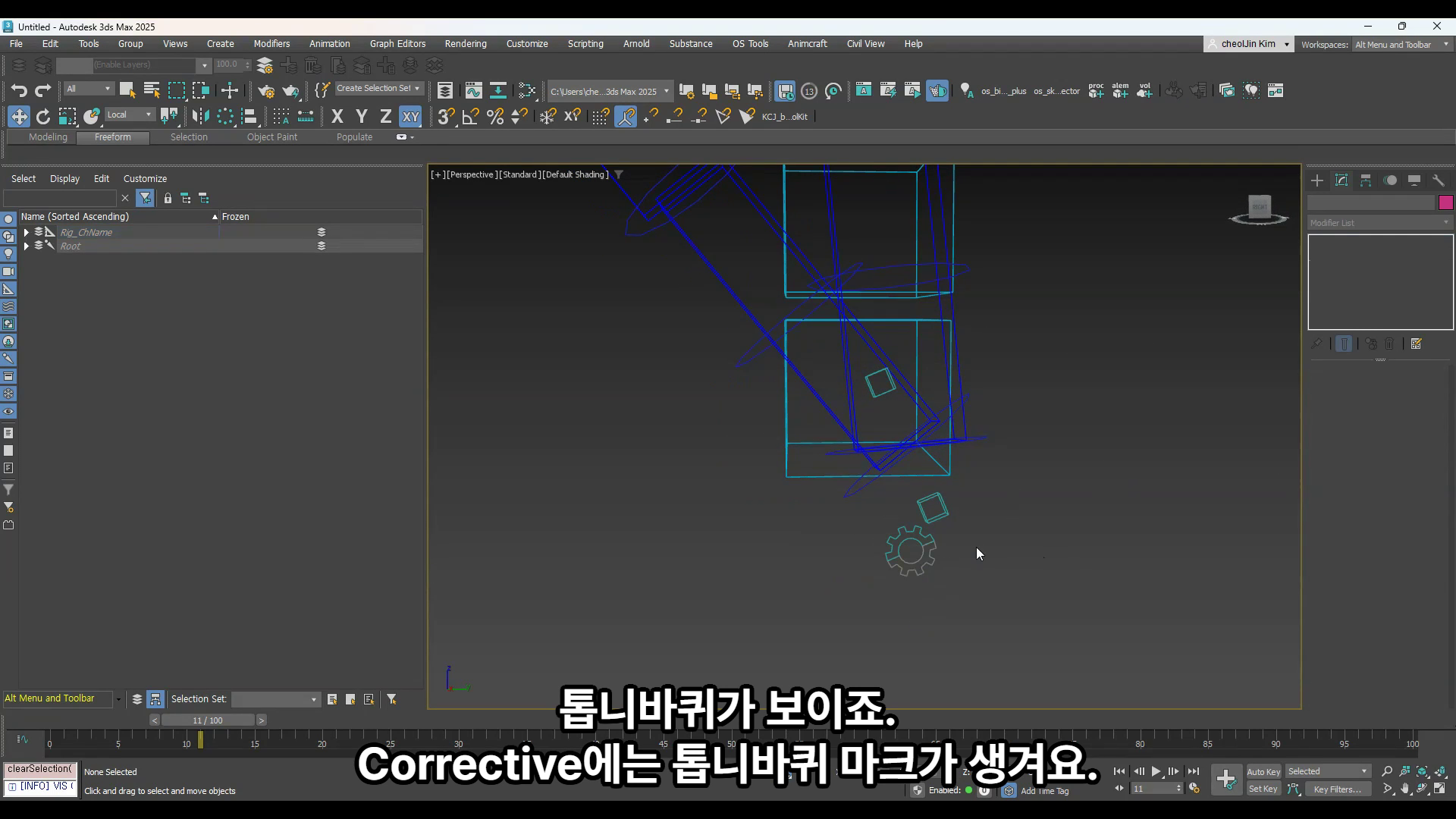
1. Why this episode
Forearm Mid Corrective and Hip in Mode are improved. Overseas Feedback asked for inner-elbow Corrective as well.
Bending used to fix the outside only. Corrective now also comes outward per angle. Modules keep updating after purchase.
Bone · controller names: B.1 · B.2
2. Forearm Mid Corrective · gear · Blend
Turn on Forearm Mid Corrective in Mode. A gear mark appears on the Corrective control. The gear is Option.
Every Parameter has Lock / Unlock. Animators can touch it, so this is rigging space. Unlock to edit, Lock when done.
| Item | Meaning |
|---|---|
| Blend 0.5 | Follows half of the elbow bend |
| Elbow 90° | Corrective rotates 45° |
| Raise the value | Follow amount increases |
3. Push system
On a flat pose, bending does not Push. It starts from a set angle.
| Setting | Result |
|---|---|
| 70 | Push from about 70° |
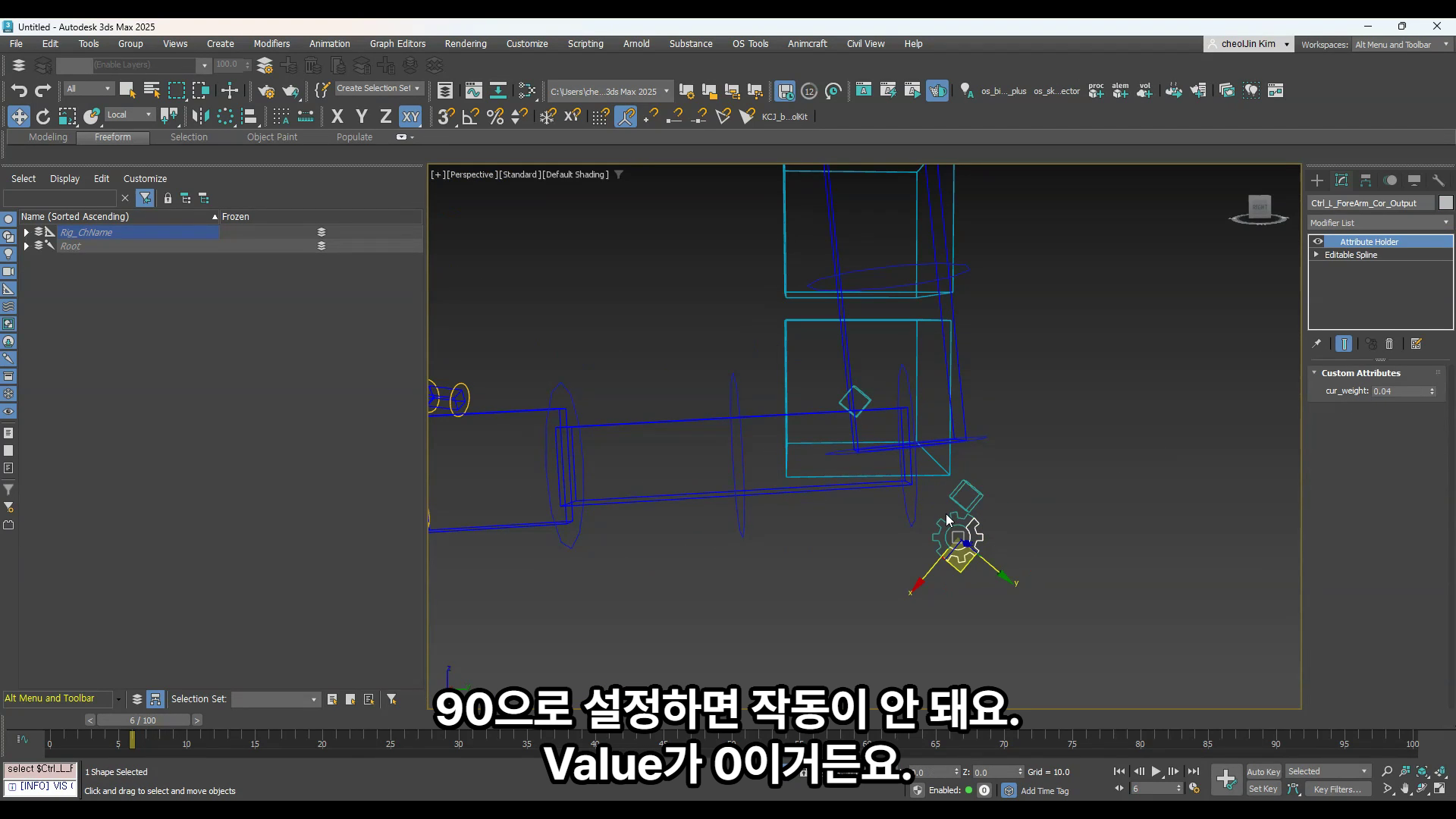
| 90 | Value is 0, so nothing happens |
| Start · end | Treat them as the range |
Cur Angle is the elbow bend right now. The result is Weight.
4. Offset · Candy Wrap · Skin Bone · off_dis
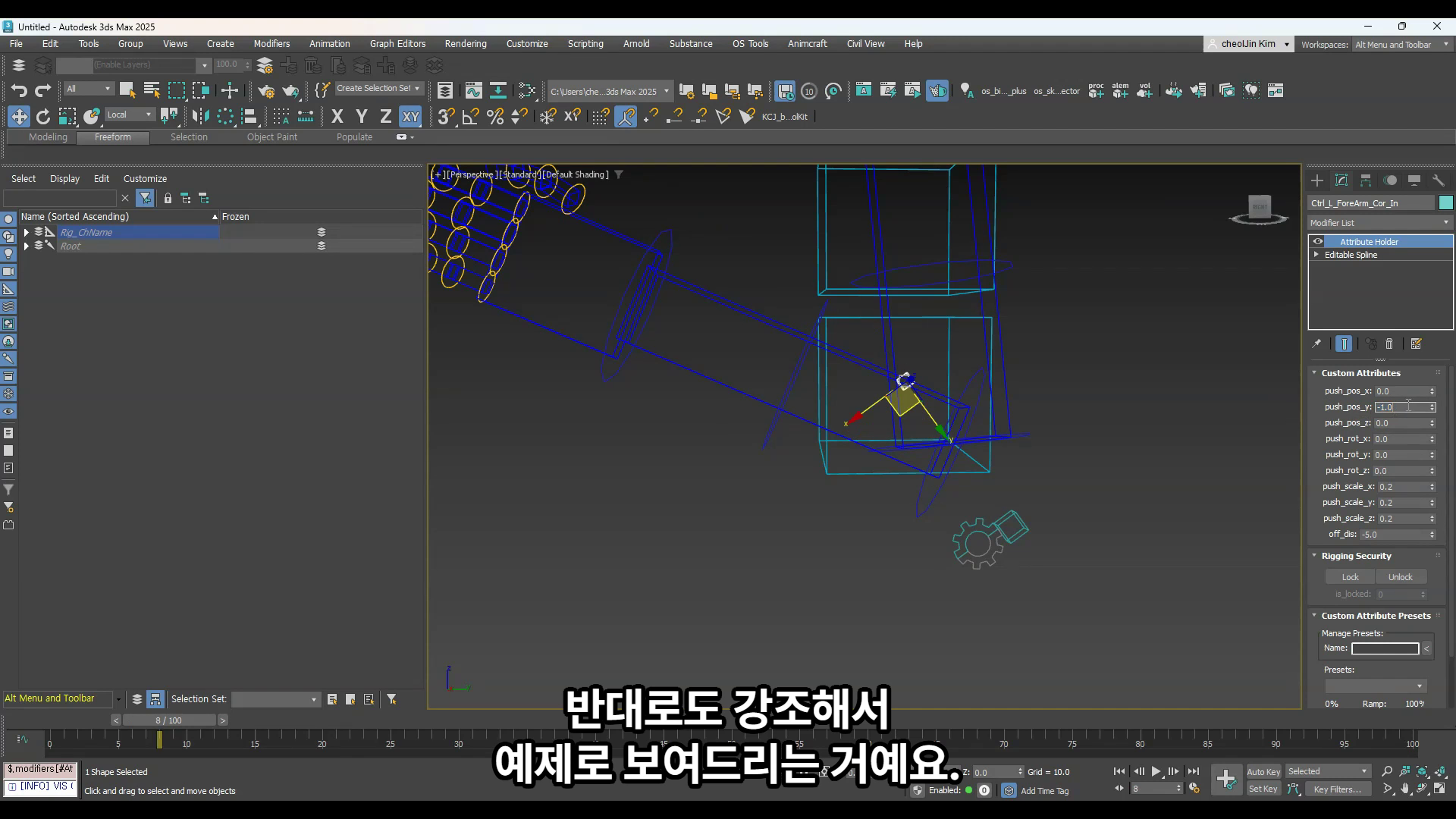
Think of it as adding Offset to Position · Rotation · Scale. Attribute examples: push_pos_* · push_rot · push_scale_*.
In production, people often nudge the elbow a little to sell the shape.
| Side | Common tweak |
|---|---|
| Inner | Lower Scale to stop Candy Wrap. 0.2 · 0.2 is easy |
| Outer | A little Push |
Once Corrective is set, the Skin bone follows. Scale applies too. Compatibility with Unreal and other Game Engines is checked.
If the control seat feels wrong, move it with off_dis.
5. Hip · Lock · Key
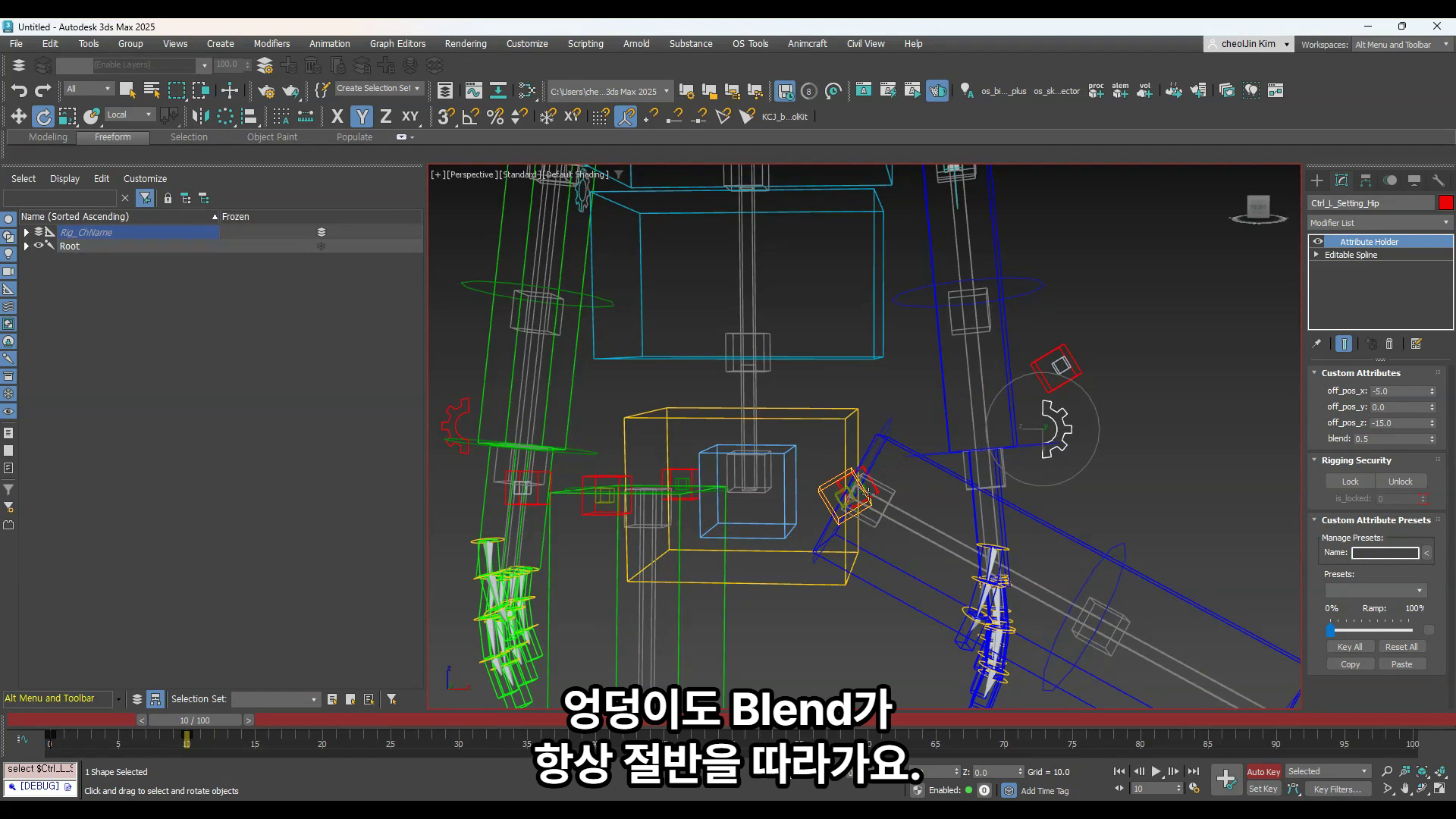
Rotate the hip and it Pushes too. Blend follows half by default. Lower Blend to follow less.
You can also set Controller Offset. Attribute examples: off_pos_* · blend.
When the Value is right, Lock it.
| Rule | Why |
|---|---|
| Do not key | This controller is not a keying seat |
| Lock | Animator values stay put even if numbers move |
| The Lock moment | That is the end of Setup |
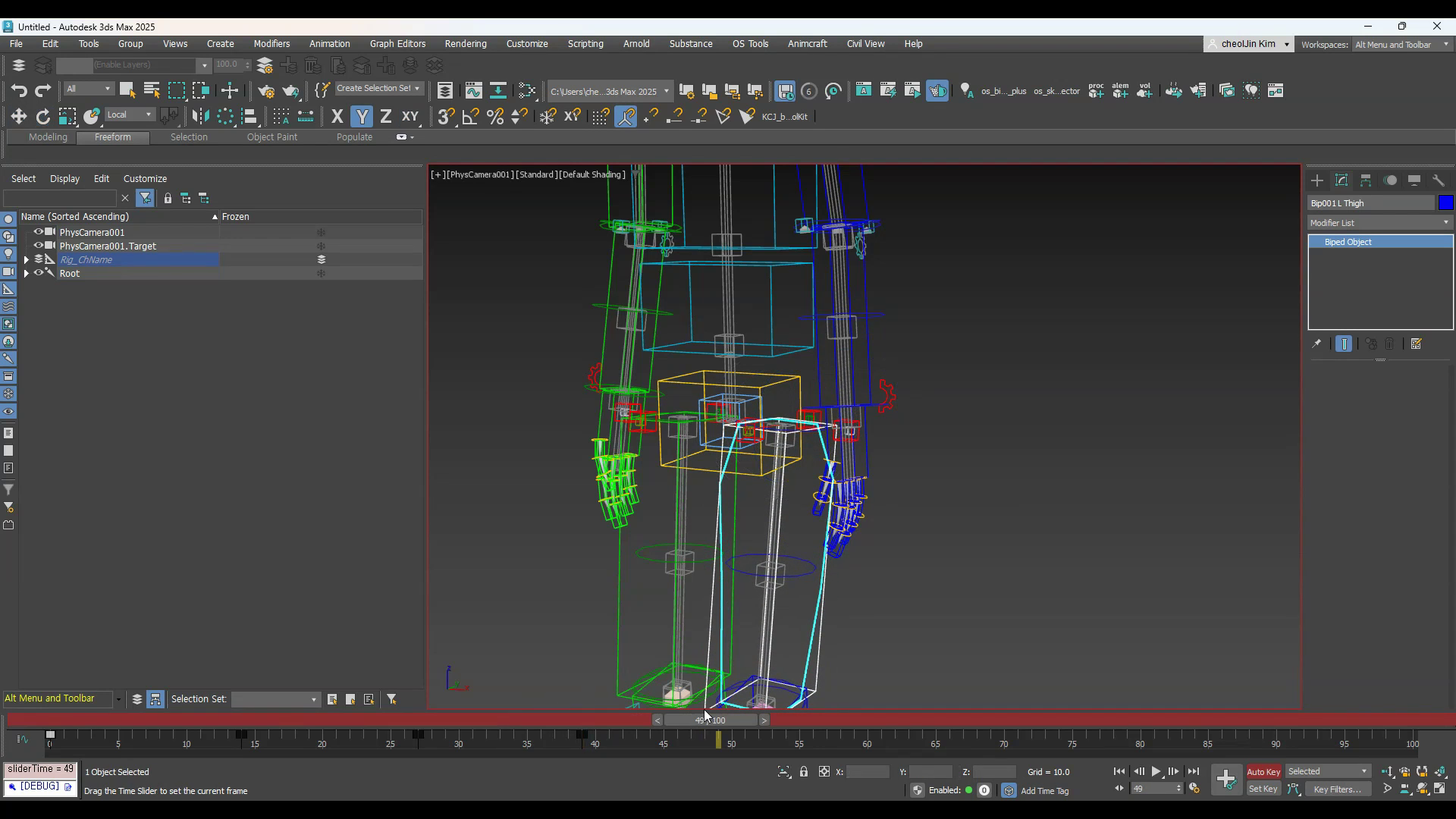
Hip Corrective Pushes at 90° for both front and side. Hip has no live Weight readout yet. That comes later. If it Pushes too much, set Push to 0.
You can drop side Scale to 0.5, or customize rotation to 45°. Front and back work the same way.
6. Auto · front
Turn Auto on and Push also runs when the leg goes forward. A 90° front rotate behaves the same. Park a value like 5, then raise it in 0.5 steps.
Want 30° on Z? Enter 30.
Hip and elbow shapes are hard to hold. That is why Corrective Rigging matters.
Notes
- Do not key these controllers. Lock when they are set.
- Touch Parameters only after Unlock. This is rigging space.
- A Push start of 90 yields Value 0, so nothing moves.
- Hip has no live Weight UI yet. Tune by eye.
- Knee Corrective is not this episode.
Related
- Upper Arm shoulder: Ep.22-1
- Create controllers: Ep.4
- Skin bones
Skin_*_ForeArm_Cor·Skin_*_*_Hip: B.1 - Controllers
Ctrl_*_ForeArm_Cor·Ctrl_*_*_Hip: B.2
One-line flow
Mode → Forearm Mid Corrective
  → Unlock
  → Blend (0.5 = half)
  → Push start angle (70 etc. · 90 = 0)
  → Check Cur Angle · Weight
  → Offset (pos / rot / scale)
  → Inner Scale ↓ (Candy Wrap) · outer Push
  → off_dis for control seat
  → Hip: Blend · Offset · front/side 90°
  → Auto (leg forward)
  → Lock · no keys